
The direct answer
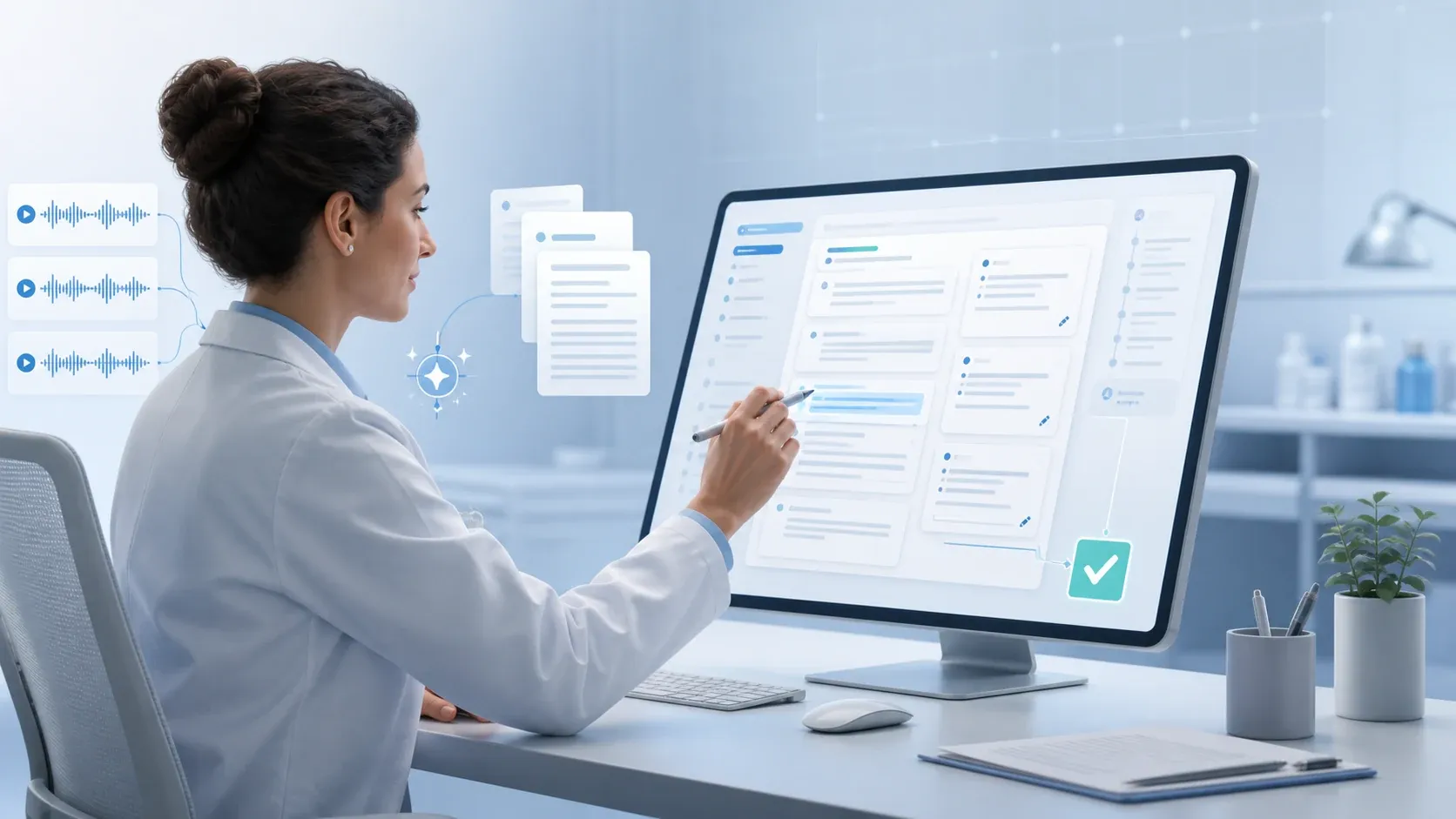
Clinical note automation can capture an encounter, organise available information and produce a structured draft for review. It is most useful for reducing the blank-page and reconstruction work that happens after a visit. It does not remove the clinician from documentation. The clinician still verifies the facts, adds or corrects clinical reasoning, confirms what belongs in the medical record and signs the final note.
That distinction matters. A good automation workflow changes where the clinician spends time; it does not transfer clinical responsibility to software.
What “clinical note automation” actually means
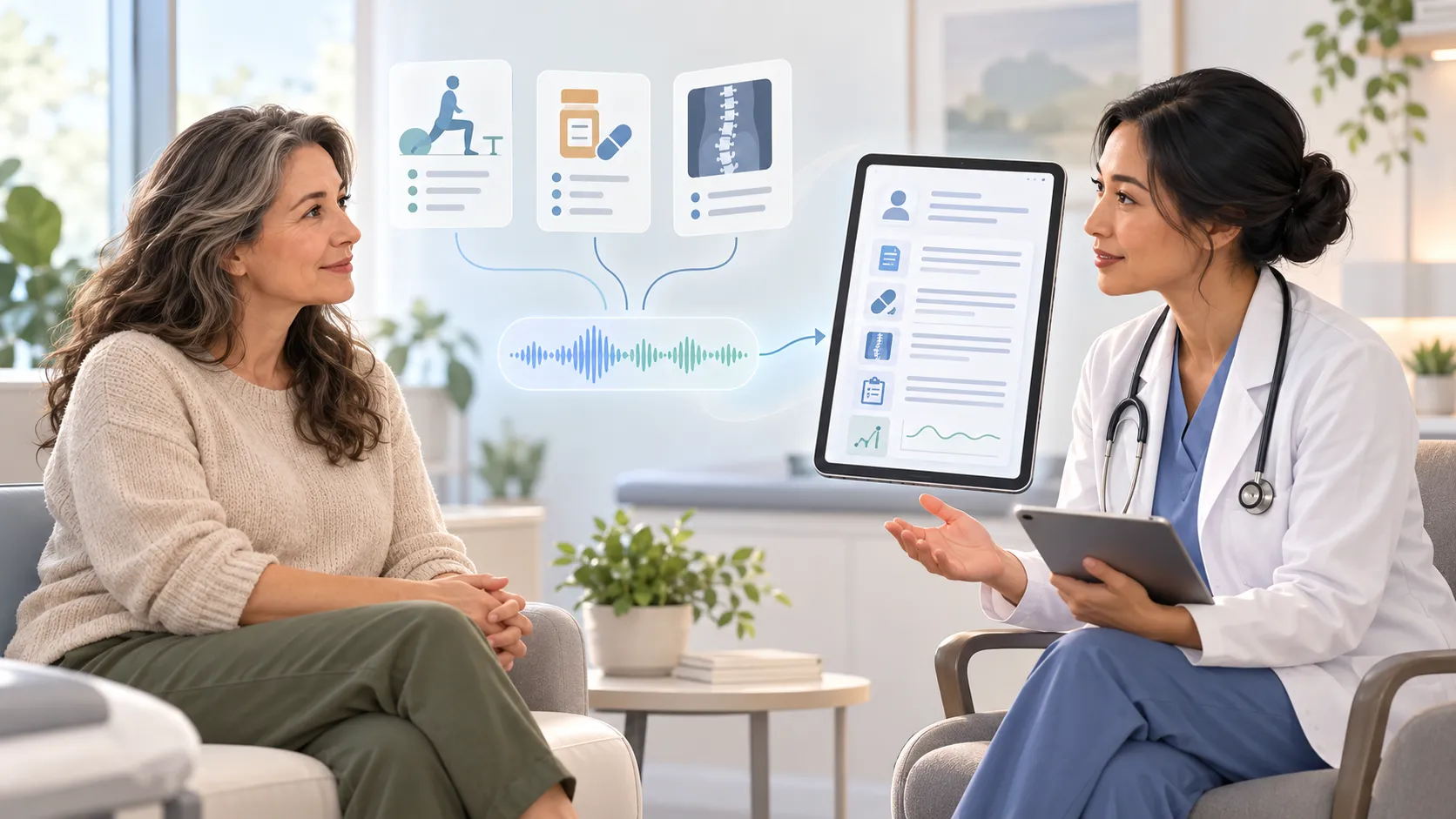
Clinical note automation is a broad term. It may describe several connected steps:
- Capturing a clinician-patient conversation or a clinician's dictation.
- Transcribing the available audio.
- Identifying information that may belong in sections such as history, examination, assessment and plan.
- Organising that information into a SOAP note, progress note or speciality specific template.
- Presenting a draft that the clinician can review, edit and approve.
These steps are related, but they are not interchangeable. Transcription converts speech into text. Note generation reorganises information into a clinical document structure. Finalisation is the clinician controlled step that determines whether the draft is accurate and suitable for the record.
Research on ambient documentation is promising but not uniform. A 2025 systematic review of eight studies found signs of improved documentation workload and clinician experience, while also noting small samples, varied settings and inconsistent results. The practical lesson is not that automation always saves a fixed amount of time. It is that each practice must measure the effect in its own workflow.
Where clinical note automation helps
1. Creating the first structured draft
The clearest advantage is starting from a draft instead of a blank screen. Information discussed during the encounter can be organised into the practice's preferred note format soon after the visit.
This can reduce the need to reconstruct the conversation later from memory or shorthand. The output should still be treated as a draft. It gives the clinician a structured starting point not a finished medical record.
2. Separating information into the right sections
A natural conversation rarely follows the order of a SOAP note. Symptoms, previous treatment, medication details and follow-up questions may appear at different points in the visit.
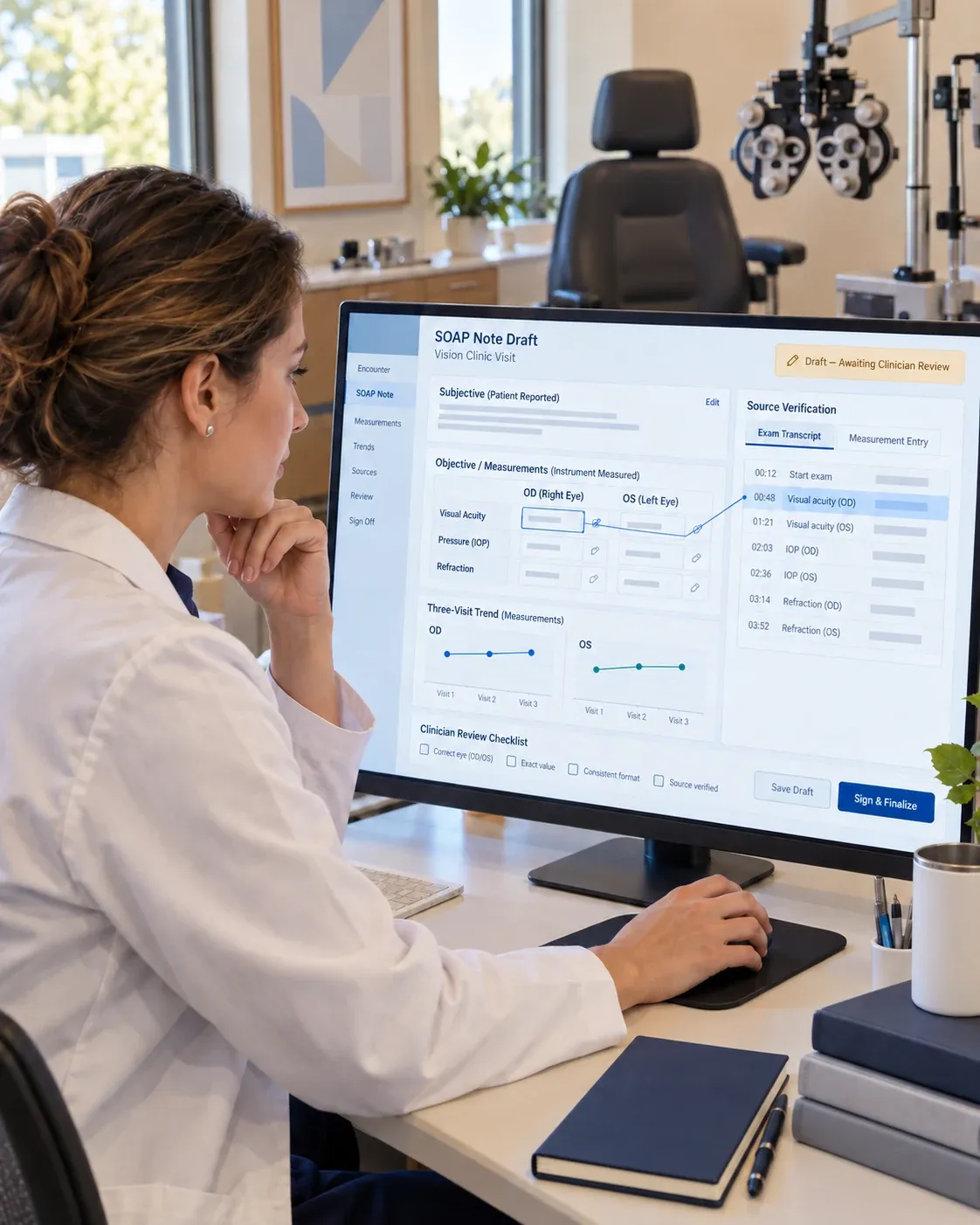
Automation can help group available information into Subjective, Objective, Assessment and Plan sections or another approved template. This organisational step can make review more focused because the clinician can evaluate the draft section by section.
3. Supporting consistency across templates
Practices often use different templates for new visits, follow-ups, procedures and specialities. Automation can apply an approved structure repeatedly, helping teams start from a more consistent format.
Consistency should not become sameness. A template is useful only when the note still reflects the individual encounter. Repeating generic text or copying forward stale information can create its own safety and quality problems. AHRQ's Patient Safety Network describes how copied EHR content can carry inaccurate or outdated information into later notes.
4. Making verification more specific
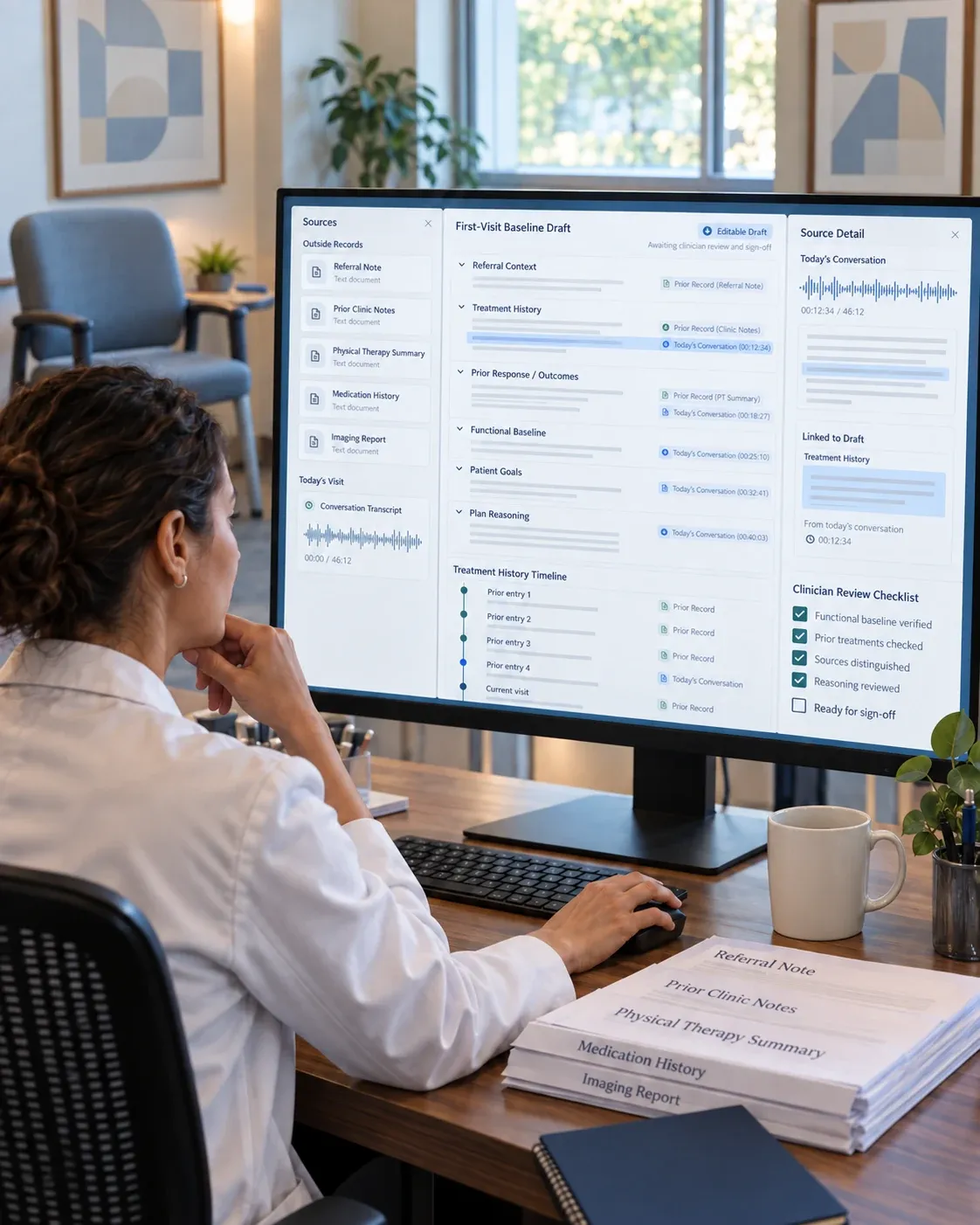
When a system preserves traceability, the clinician can return to the relevant point in a transcript or source document to check a drafted detail. This is more useful than asking the clinician to trust a summary without seeing where it came from.
Traceability does not prove that a draft is correct. It provides a faster route to the source so the clinician can investigate an unclear statement, timing detail, medication name or other important fact before signing.
5. Reducing some documentation burden
The impact varies by setting and product. For example, a 2026 retrospective study of 10,344 emergency department encounters found that ambient-scribe use was associated with less on-shift documentation time, while the magnitude varied by physician, patient and workflow factors. The authors also reported a small increase in after-shift documentation time, illustrating why one headline metric cannot describe the whole effect. Read the PubMed abstract.
Practices should therefore measure their own outcomes: time to first draft, time to sign, edit rate, incomplete-note rate, after-hours documentation and clinician satisfaction.
Where the clinician still has to intervene
1. Confirming what was actually said and observed
Speech can be ambiguous. People interrupt one another, use shorthand, correct themselves and discuss possibilities that are not final decisions. Background noise and speciality terminology add more room for error.
The clinician checks whether the draft accurately represents the encounter. Names, dosages, durations, negations and changes in the treatment plan deserve particular attention because a small transcription or summarisation error can change the meaning.
2. Owning the Assessment and Plan
Assessment and Plan are not merely formatting sections. They contain the clinician's interpretation, judgment and next steps.
Automation may organise information discussed during the visit, but the clinician decides whether the assessment is supported, whether the plan is complete and whether the note reflects the actual clinical decision. Othisis supports documentation; it does not diagnose, prescribe or make clinical decisions.
3. Removing unsupported or irrelevant content
An automated draft may be thorough without being concise. A 2025 multi-speciality evaluation found that ambient-generated notes were more thorough and organised than physician authored comparison notes, but were also less succinct and showed more hallucinations in that study. See the PubMed record.
That is why review cannot be a quick formality. The clinician should remove unsupported statements, repetition and details that do not belong in the final record.
4. Completing speciality specific nuance
Every speciality has information that requires context. A relevant negative in cardiology may not carry the same significance in psychiatry, orthopaedics or primary care. The correct template can help, but the clinician determines what is material to the encounter.
Practices should test automation against their real note types rather than relying on a generic demonstration. A workflow that performs well for a routine follow-up may need different review controls for a complex consultation or multi-party visit.
5. Applying consent, privacy and organisational policy
The practice must decide when capture is appropriate, how patients are informed, how recordings and transcripts are handled and who can access them. Those decisions depend on the organisation's policies and applicable law.
The US Department of Health and Human Services explains that a software vendor may be a business associate when it needs access to protected health information to provide its service. In that situation, a Business Associate Agreement is generally required before that access is allowed. Read the HHS guidance.
“HIPAA compliant” should therefore lead to practical questions: Will the vendor sign a BAA where required? Where is data stored? Who can access it? How long are audio, transcripts and drafts retained? What audit and deletion controls are available?
6. Approving the final medical record
The clinician remains responsible for the note that is reviewed and signed according to the practice's policies. The automation system should make edits visible and easy, not encourage unreviewed acceptance.
The safest mental model is simple: software produces a draft; the clinician produces the final record.
A practical review checklist for automated clinical notes
Before signing an automated note, confirm:
- The patient, encounter date and note type are correct.
- The history accurately reflects what was discussed.
- Important negatives have not been reversed or omitted.
- Medication names, dosages, frequencies and changes are accurate.
- Objective findings came from the encounter or approved source not an unsupported inference.
- Assessment and Plan reflect the clinician's actual reasoning and decisions.
- Follow-up timing, referrals, tests and patient instructions are complete.
- Imported or copied information is current and relevant.
- Unsupported, repetitive or unnecessary content has been removed.
- The final note complies with the practice's consent, privacy, retention and sign-off policies.
How practices should evaluate clinical note automation
Do not evaluate a system only on how quickly it creates a sample note. Test the complete workflow.
Quality measures
- Factual accuracy and internal consistency.
- Completeness without unnecessary repetition.
- Correct use of the practice's templates.
- Edit rate by section and note type.
- Ability to trace important details to their source.
Workflow measures
- Time from encounter end to first draft.
- Time from first draft to clinician sign-off.
- After-hours documentation time.
- Percentage of notes signed within the practice's target period.
- Clinician adoption and reasons for non-use.
Governance measures
- Patient-notification and consent workflow.
- BAA and data-processing responsibilities.
- Access, retention and deletion controls.
- Audit trail for source, edits and final approval.
- Escalation process when a note contains an error.
The best system is not the one that removes the most human involvement. It is the one that reduces avoidable documentation work while keeping verification, judgment and accountability clear.
How much time can automation save and what does that mean for ROI?
There is no single time-saving figure that applies to every clinician, speciality or workflow. A useful current benchmark comes from a 2026 multisite study of 8,581 clinicians at five US academic medical centres. Compared with non-adopters, clinicians who adopted AI scribes spent 16.0 fewer minutes on documentation and 13.4 fewer minutes in the EHR per eight scheduled patient-care hours. Adoption was also associated with 0.49 additional visits per week. After-hours EHR time did not change significantly, which is an important reminder that saved documentation time does not automatically become recovered personal time or extra appointments.
For a clinician working 220 clinic days a year, 16 minutes per day would equal about 59 hours of annual documentation capacity. That is a planning example - not a guaranteed result. A practice can estimate the value of that capacity with a simple calculation:
Annual time value = verified hours saved per clinician × fully loaded clinician hourly cost
If the 59 hours in the example were valued at $150 per hour, the gross time value would be about $8,800 per clinician per year. Any contribution from additional appointments can be added separately, but only when the practice actually converts released capacity into completed visits. The study itself observed a modest 0.49 additional visits per week and conservatively estimated $167 in additional monthly evaluation-and-management revenue per clinician.
To calculate net ROI, subtract the annual cost of licences, implementation, training, integration and ongoing governance from the verified time and capacity value, then divide by those costs:
Net ROI = (annual time value + incremental contribution margin − annual programme cost) ÷ annual programme cost × 100
Practices should replace every assumption in this example with pilot data. Measure documentation and after-hours time before and after implementation, track utilisation and edit rates, and count additional visits only when they are actually delivered. This produces a defensible ROI estimate without treating a research average as a product guarantee.
Where Othisis fits
Othisis supports clinical documentation by turning the available encounter information into an editable draft, with clinician review required before sign-off. Its traceability approach helps clinicians return to source material when checking important details.
For the capture side of the workflow, read Ambient Clinical Intelligence: What It Actually Does. To see how structured SOAP drafts work, explore SOAP Notes with AI Drafts. For data-handling information, review HIPAA & Compliance.
See the Othisis workflow in a demo → · Try Othisis →