
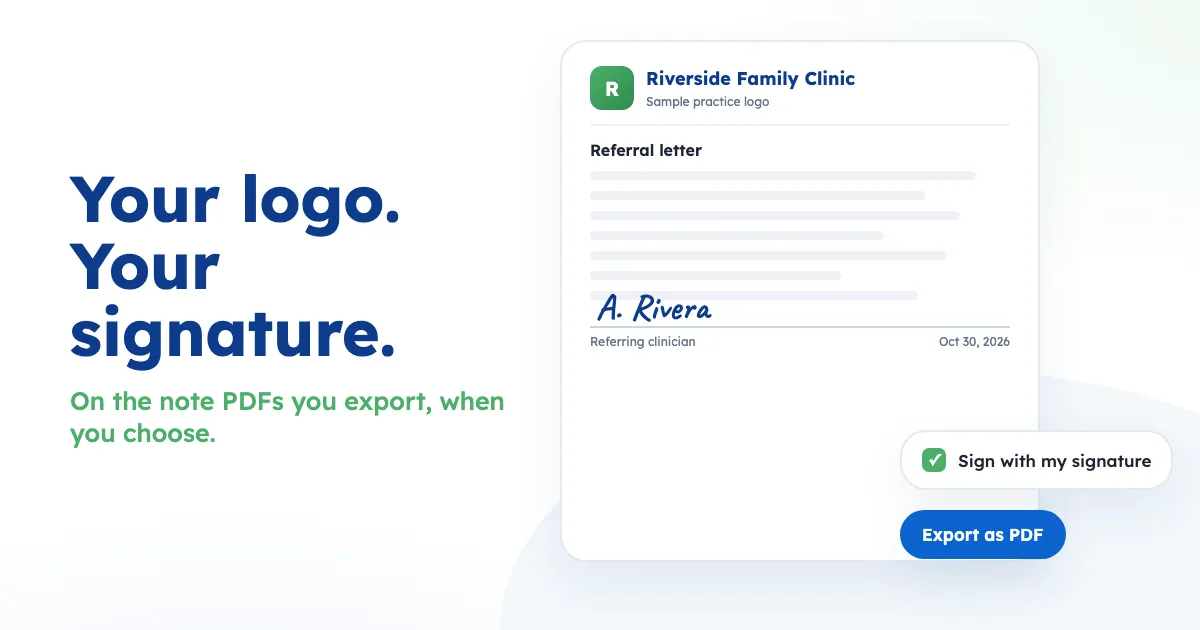
When a note leaves Othisis, it should look like it came from your practice. This week's update does that.
Your logo on every note PDF
SOAP notes, referral letters, insurance letters and patient handouts now print your practice logo at the top when you click Export as PDF. Add the logo once under Settings > Organization > Practice logo. It's the same logo your superbills already use. If you haven't added one, the PDF keeps the Othisis logo.
Sign when you choose to
Next to Export as PDF there's now a Sign with my signature box. Tick it and the PDF carries the signature you saved under Settings > My signature:
- Referral and insurance letters: on the signature line. Signed referral letters also print the date.
- SOAP notes and patient handouts: in a signature block at the end.
The box starts unticked on every visit, so your signature never lands on a PDF by accident. No signature saved yet? You'll see an Add your signature link instead.
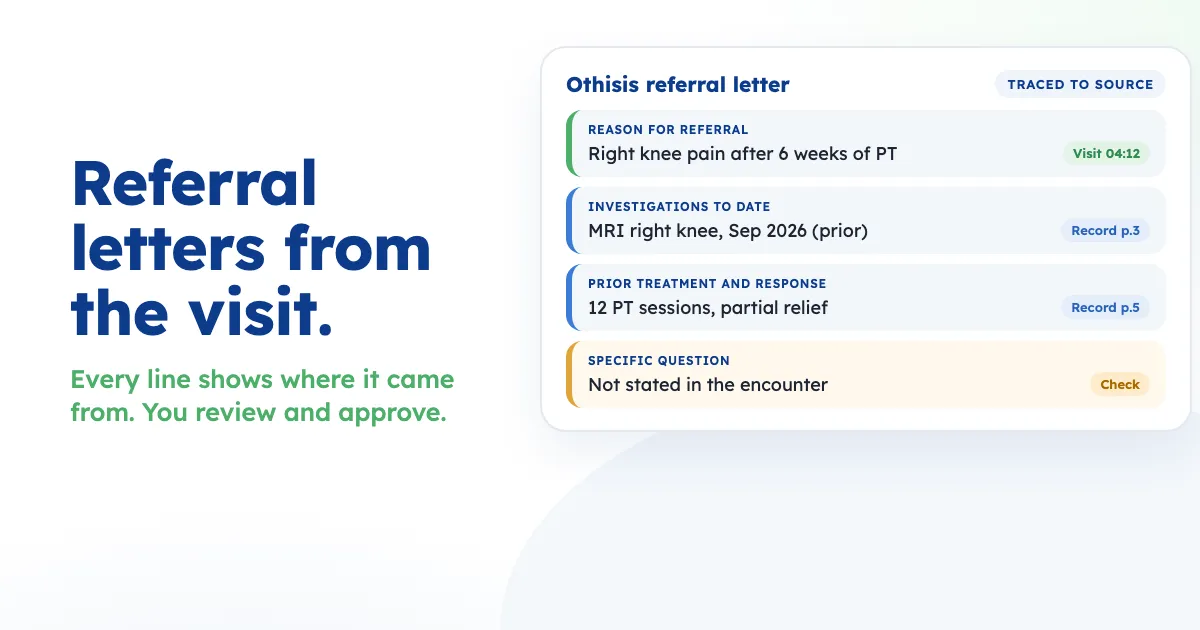
The workflow stays the same: review the note, click a line Othisis wrote to see what was said in the visit, approve it, then export it as a PDF.
Patient summary refreshes, by plan
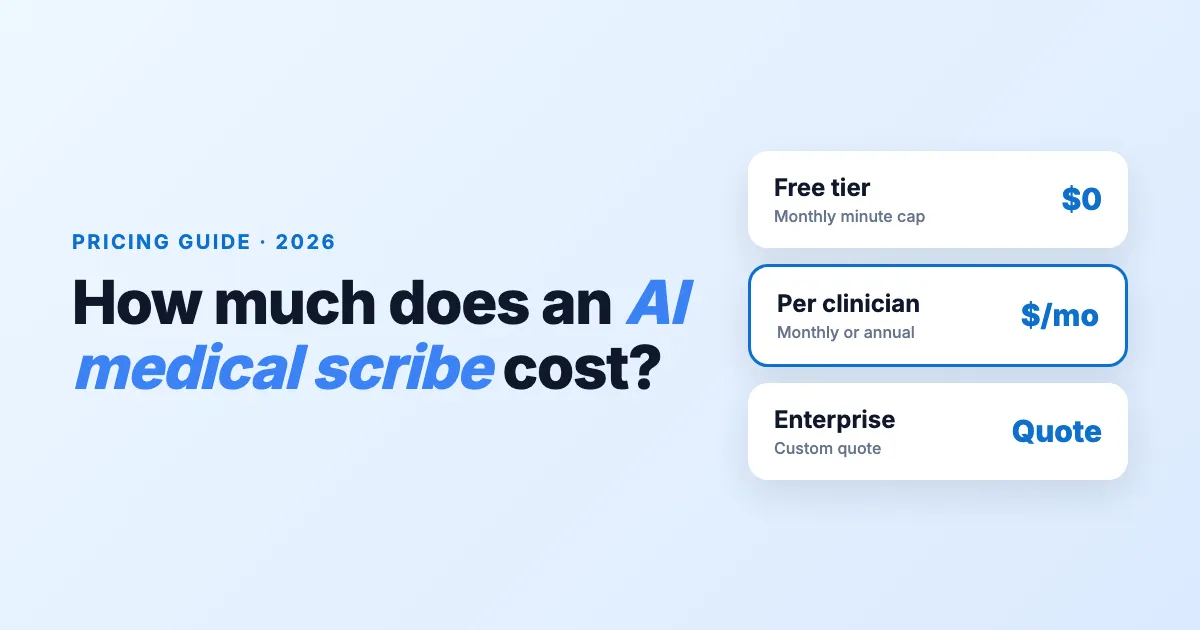
Each patient profile has an AI summary that updates on its own after every finished visit, free. If you want a fresh summary in between, you can refresh it yourself. The pricing page now lists how many manual refreshes come with each plan:
| Plan | Manual summary refreshes |
|---|---|
| Starter | 20 a month |
| Basic | 750 a month |
| Pro | 1,500 a month |
Refreshes are shared by your clinic, up to 3 a day for each patient, and start again each month.
See all updates in the release notes, or try Othisis for free and book a live demo.
Othisis is a clinical documentation tool. It does not make clinical decisions, provide diagnoses or offer medical advice.